
RealTest Free Trial and Purchase
Download and run the Installer, then use the desktop icon to launch RealTest.
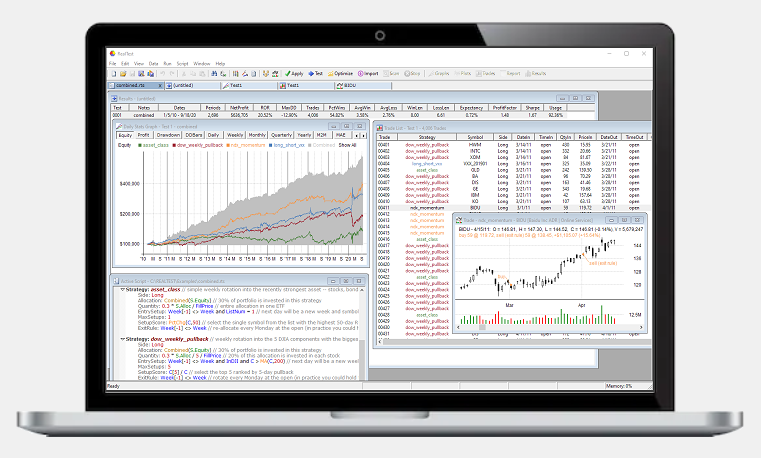
Try the sample1.rts example script by first pressing Import, then pressing Test.
Explore the other scripts in the Examples folder, and watch the tutorial videos.
Gives you lifetime use of the current version plus all releases and updates for the next twelve months.
Allows activations on two computers at once (must both be for the same user).
The new license price is $389 USD*.
Adds a year to your license date, or sets it to today if it has been more than a year since your last purchase.
You will be asked to enter your license key before proceeding to checkout.
The license extension price is $159 USD*.
To use a US credit card for a non-US purchase select United States on the country menu and enter the US Zip Code associated with the card.
Installation is simple with no external libraries required and minimal impact on your computer.
Requirements include:
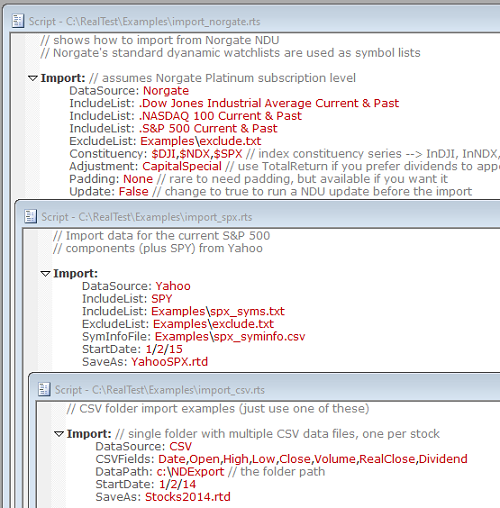
Supported data sources include:
Data from any of the above sources can be combined for use in the same tests, and other information such as symbol-specific events can easily be added.
Data must be in daily bar format. RealTest is able to compress daily data into weekly or monthly bars. Intraday data is not currently supported.